If you’ve ever landed back in the U.S. after an international trip—jet-lagged, dehydrated, and fully out of patience—you already know that the worst part of traveling isn’t the flight. It’s the customs line.
Global Entry is the gold standard for skipping the airport chaos, but not everyone wants to deal with the application process or pay the $120 fee. The good news? There’s a free, government-approved alternative that many travelers still don’t know about: Mobile Passport Control.
Whether you’re coming back from Mykonos, Mexico City, or a last-minute European summer fling, here’s everything you need to know about the Mobile Passport Control app, how it works, and whether it’s worth using.
What Is Mobile Passport Control?
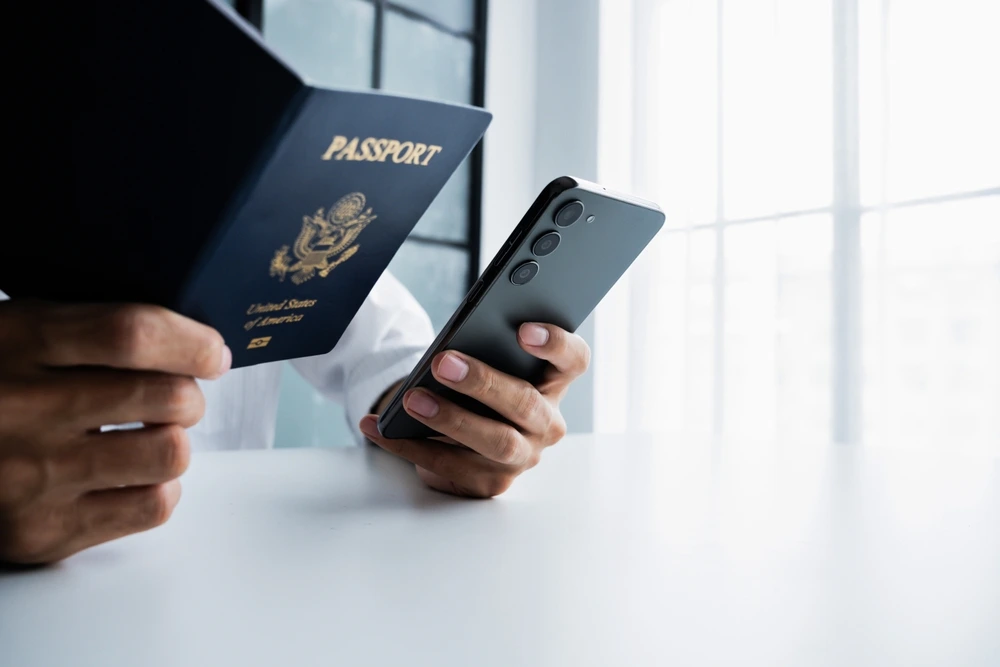
Mobile Passport Control (MPC) is a free app offered by U.S. Customs and Border Protection that lets eligible travelers submit their passport and customs information digitally before reaching passport control.
Instead of filling out forms or standing in the longest line in the terminal, MPC users access a designated customs lane that’s usually much faster than the standard queue. The app has been around for nearly a decade, but it’s still wildly underused. (Which is great news if you like breezing past crowds.)
Mobile Passport Control vs. Global Entry: What’s the Difference?
Both programs help speed up reentry into the U.S., but they’re designed for different types of travelers.
Global Entry
- Costs $120 for five years
- Requires an application, background check, and interview
- Uses automated kiosks
- Includes TSA PreCheck
- Usually the fastest option overall
Mobile Passport Control
- Completely free
- No interview or pre-approval required
- Uses a dedicated MPC lane staffed by a CBP officer
- Slightly slower than Global Entry, but still much faster than standard customs
If you travel internationally a few times a year (or are still waiting for Global Entry approval), Mobile Passport Control is an easy win.
Who Can Use Mobile Passport Control?
Mobile Passport Control is available to a wide range of travelers entering the U.S., including:
- U.S. citizens
- Lawful permanent residents (green card holders)
- Canadian visitors traveling on B1/B2 visas
- Travelers from Visa Waiver Program countries who have previously visited the U.S.
If you’ve entered the U.S. legally before and hold a valid passport, there’s a good chance you’re eligible.
Which Airports Support Mobile Passport Control?
MPC is currently available at 53 U.S. ports of entry, including:
- 35 major U.S. international airports
- 14 international preclearance locations (where you clear U.S. customs abroad), including:
- Dublin (DUB)
- Toronto Pearson (YYZ)
- Abu Dhabi (AUH)
- Dublin (DUB)
- Four cruise ports, including Miami and San Juan
Most major hubs—think JFK, LAX, ATL, BOS, ORD—support Mobile Passport Control, but availability can vary by terminal.
How to Use the Mobile Passport Control App (Step by Step)
Using MPC is straightforward, but timing matters.
1. Download the App Before You Travel
Search for “CBP Mobile Passport Control” in the App Store or Google Play. Download it while you still have Wi-Fi.
2. Choose Your Entry Method
Most travelers will select airplane as their mode of entry.
3. Select Your Arrival Airport
Choose the U.S. airport where you’ll clear customs.
4. Add Travelers (Optional)
You can include up to 12 family members returning to the same household in one submission, which is ideal for group or family travel.
5. Enter Passport Information
Scan your passport or enter the details manually.
6. Take a Selfie
Each traveler needs a photo. Yes, even after a red-eye. Do your best.
7. Submit Upon Arrival
Once you land and deplane, submit your information through the app and head to the Mobile Passport Control lane. A CBP officer will take a quick photo to verify your identity and process your entry.
Is Mobile Passport Control Safe?
Yes. According to U.S. Customs and Border Protection:
- Photos taken at passport control facilities are typically deleted within days
- Photos taken on your phone remain stored locally on your device
- Data is used only for identity verification and entry processing
Is Mobile Passport Control Worth It?
If you don’t have Global Entry, the answer is absolutely.
Mobile Passport Control is:
- Free
- Legitimate
- Easy to use
- Significantly faster than standard customs lines
It’s especially useful if:
- You travel internationally a few times a year
- You’re waiting for Global Entry approval
- You’re traveling with family or a group
- You just want to get home faster
No interviews. No fees. No extra paperwork. Just less time standing in line after a long trip.